
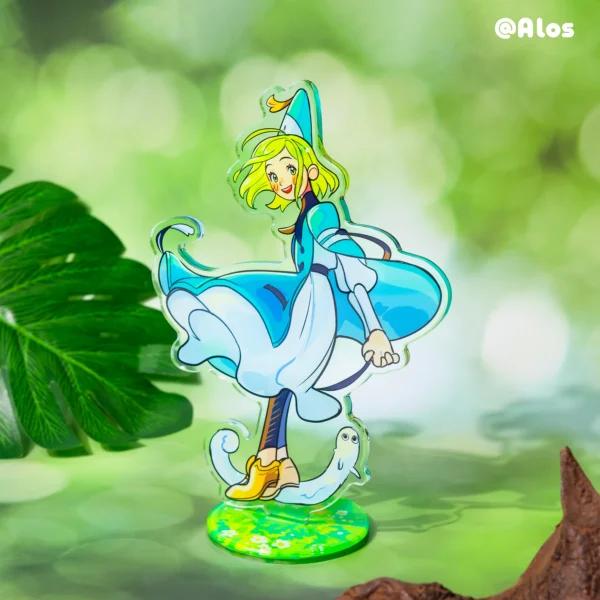
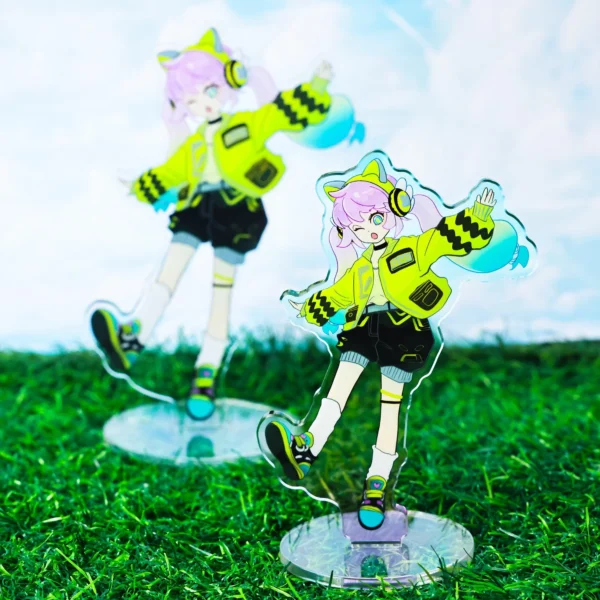
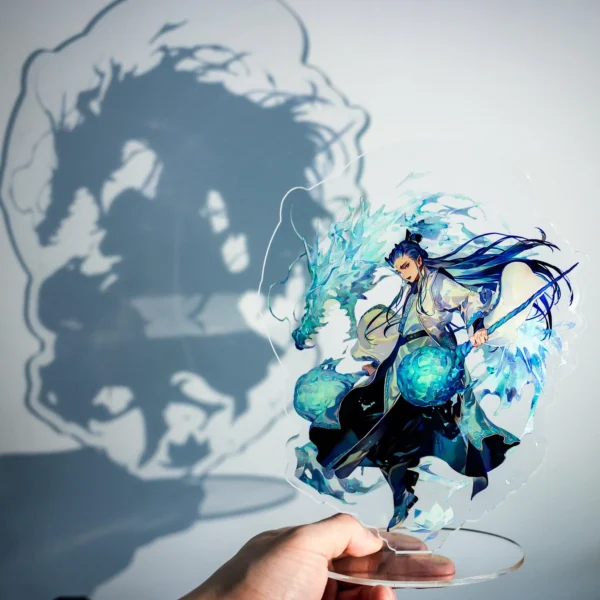
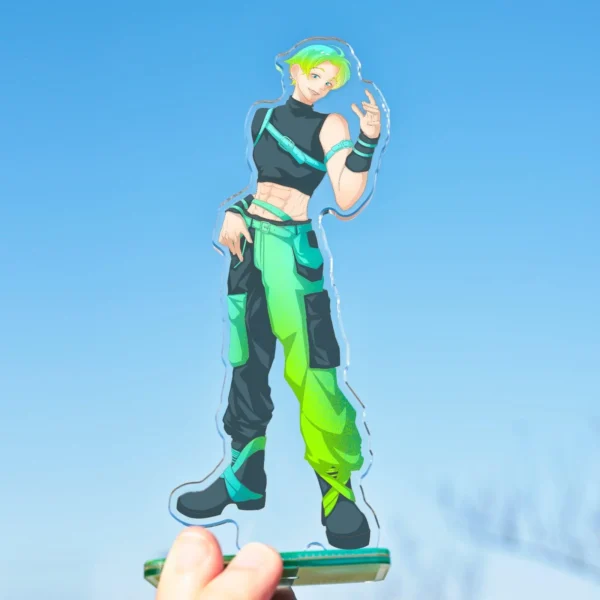




Custom Acrylic Human-Shaped Standee
Original price was: $26.00.$23.00Current price is: $23.00.
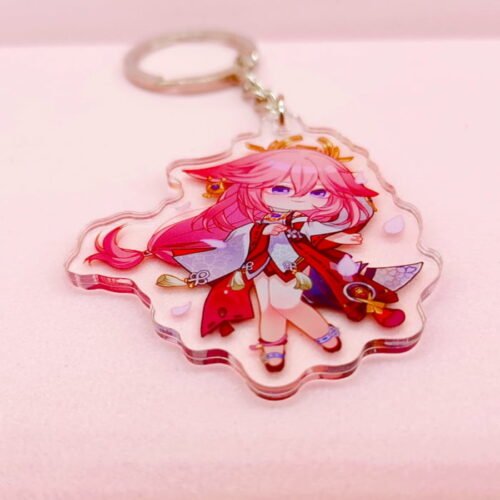
Personalize your own Custom Acrylic Human-Shaped Standee on Hamfai. Add your own images, drawings or designs for a truly unique product that’s made for you!
Introducing our Custom Acrylic Human-Shaped Standee. This unique product allows you to create a personalized figure that stands out. Whether for promotional events, parties, or as a unique gift, the custom acrylic human-shaped standee is a great choice. With high-quality materials and precision craftsmanship, it’s sure to make a lasting impression. Design your own standee to showcase your style or brand.
Design Guidelines
1. Double-Sided Design
• Same design on both sides will be mirrored by default.
•For double-sided designs, upload front and back separately and choose different design when placing the order.
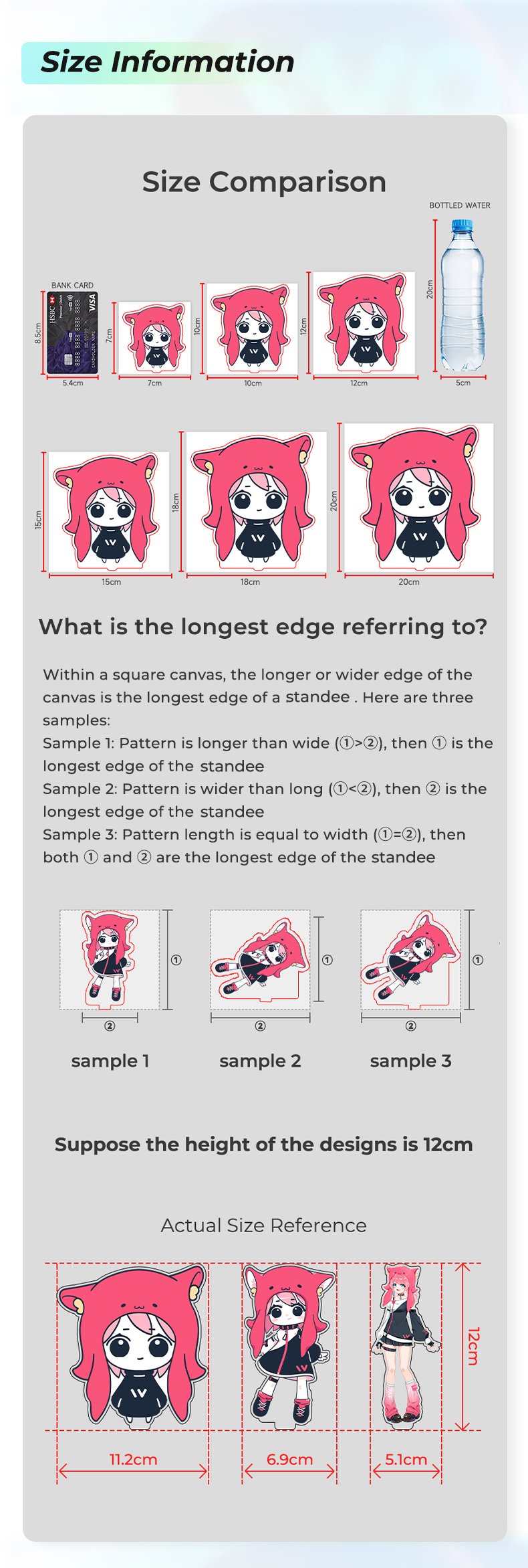
2. Size Information
• Standees size should include standees border and depends on the longest edge(the vertical or horizontal length of the charm's artwork), not only the printing design size.
3. Text in Design
• If your design includes text, please select the option “Double sided different designs” to ensure the text appears correctly and not mirrored on the back side.
4. Default Border Width
• Default Border Width: 2mm
Simply provide your original design draft, and our designers will draw the outlines and hole positions for you.
✨ Special Finishes
5. Borderless Standees
• Please leave a 0.5 mm bleed area with background color for cutting.
• No need to draw the cutline — just upload your design with background, and our designers will create the cutline for you.
6. Gradient /Semi-Transparent & Layer Setup
• If your design includes semi-transparent or gradient effects, place them on a separate named layer, or name your file with “semi-transparent” and leave a note with your order.
• For light colors, avoid using overly pale shades — we recommend a slightly darker background to prevent unwanted transparency.
Related products
-
Acrylic Keychain Cute
-
Custom Acrylic Keychain
-
Custom Clear Acrylic Keychains
$2.97 Select options This product has multiple variants. The options may be chosen on the product page -
Custom Acrylic Keychain

Reviews
There are no reviews yet.